
Free PDF, File Converter, Image and Salary Tools
Work with your files, convert, compress and calculate in one place.
Available Tools
30
PDF, files, images, salary
Supported File Formats
9
Documents, sheets and data
Processing Mode
In your browser
No server processing
Privacy Status
No uploads
Files stay on your device
Drop your file here
or click to browse
DOCX, PDF, MD, HTML, TXT, XLSX, ODS, CSV, JSON · up to 20 files, 50.0 MB each. Converted on your device.
Popular Tools
Quick access to frequently used tools.
 Merge PDF
 Compress PDF
 PDF Editor
 Images to PDF
 Image Compressor
 US Salary Calculator
Everything in one place
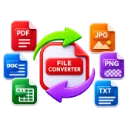
File Converter
Convert between document, spreadsheet, text and data formats.
All conversionsWord to PDFPDF to WordPDF to textMarkdown to PDFHTML to PDF+3 more
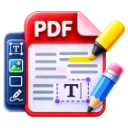
PDF Toolkit
Merge, split, compress, edit, protect and convert PDF files.
Merge PDFSplit PDFCompress PDFOrganize pagesEdit PDFImages to PDF+5 more
Salary & Paycheck Calculator
Estimate US take-home pay, withholding and tax for 2025–2026, with labeled projections to 2030.
Salary calculatorTake-home payHourly to salaryOvertime payBonus taxSelf-employment tax
Image Compressor
Compress, resize and convert JPEG, PNG and WebP images.
Document Editor
Write and edit documents, then export to DOCX, PDF, HTML or Markdown.
Explore the tools
All tools →Edit a PDF without installing anything
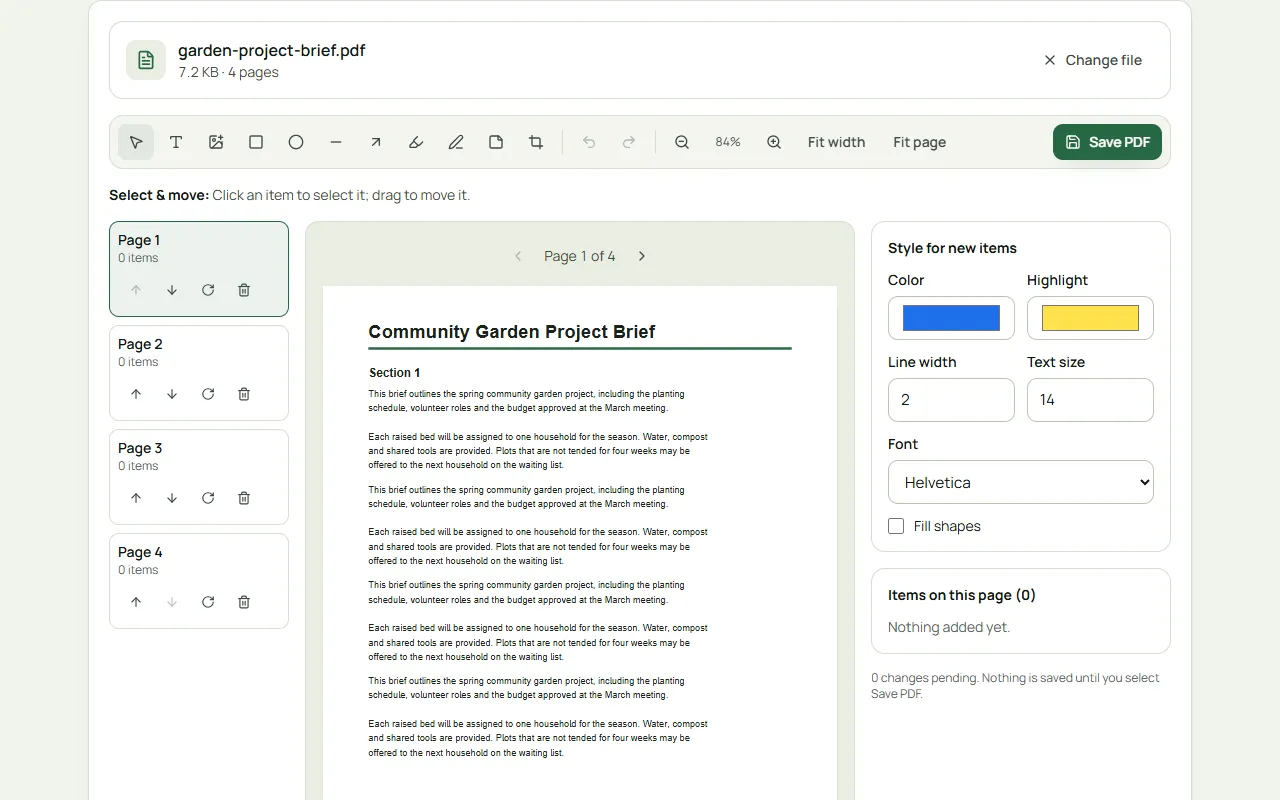
Add text, images, shapes, highlights and notes, fill in forms and crop pages. The document stays in your browser the whole time.
Open the PDF Editor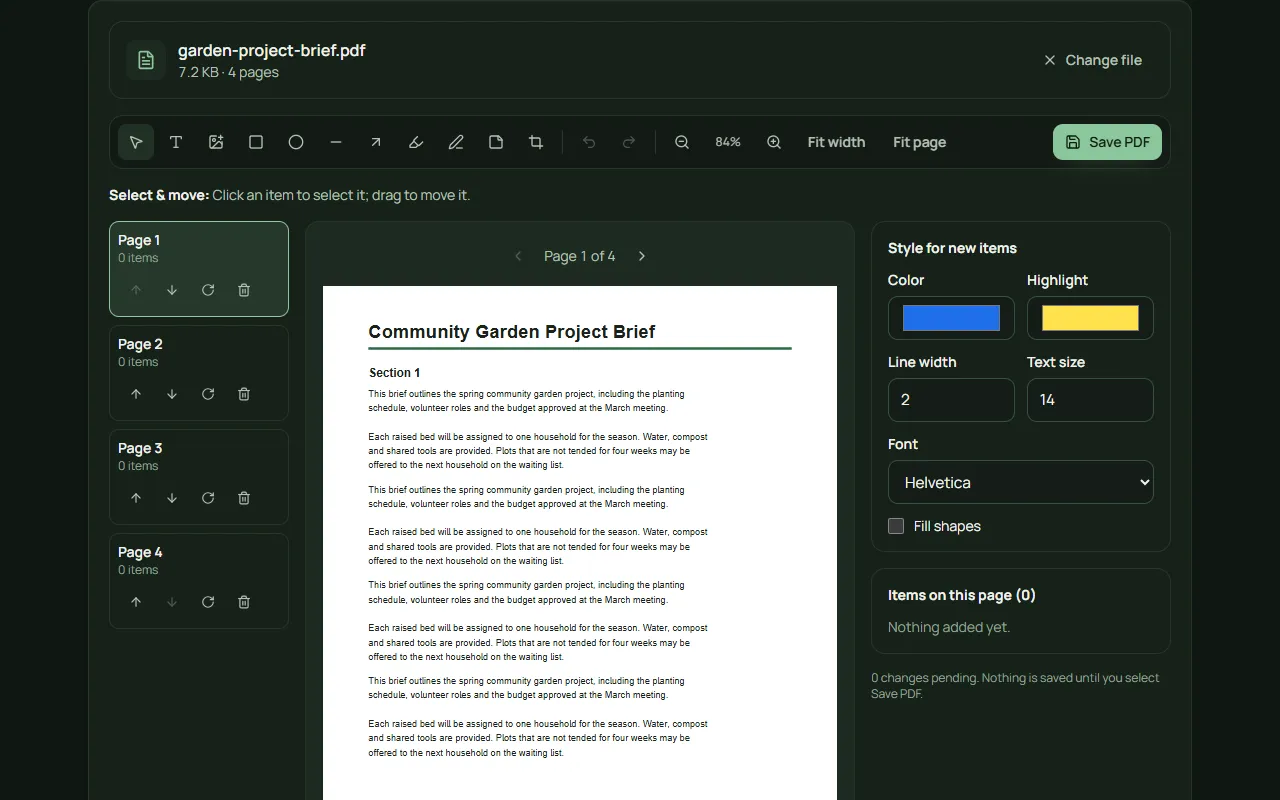
See what you actually take home
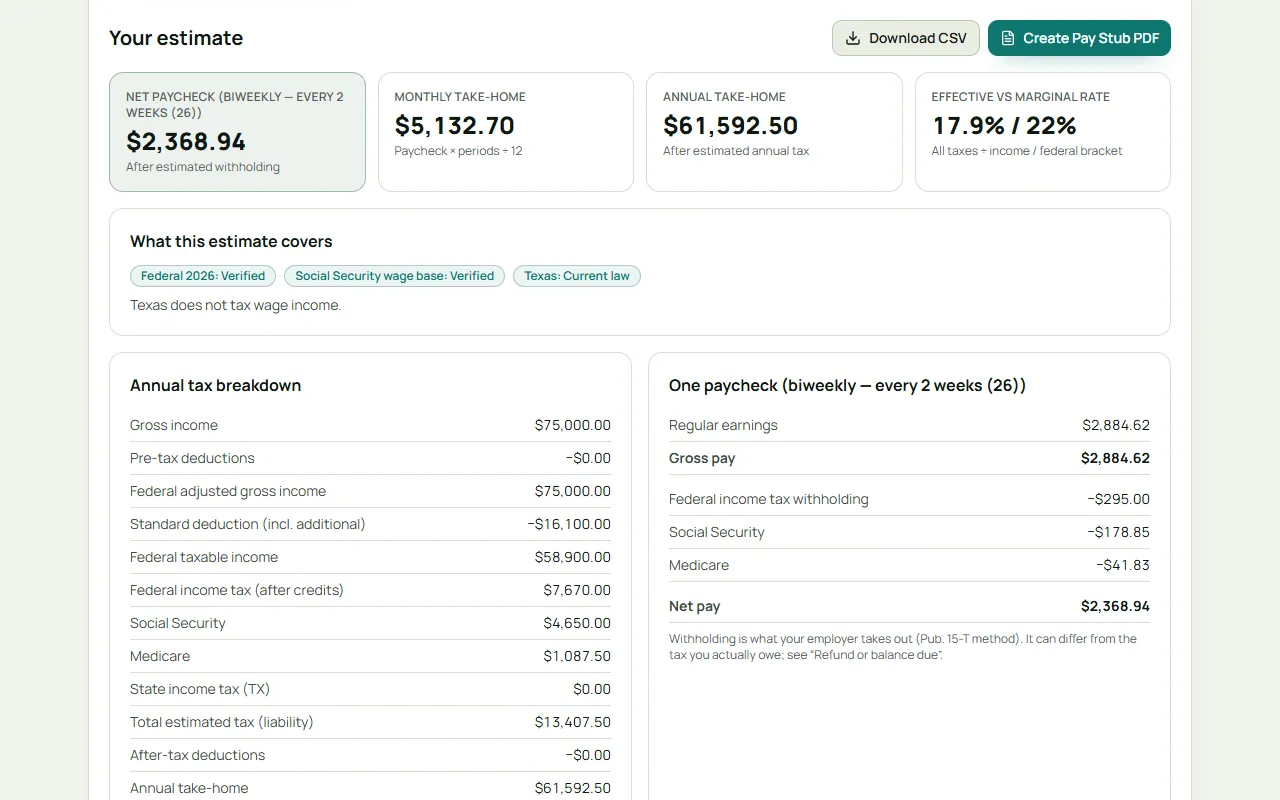
Estimate withholding and tax owed side by side, for all 50 states and DC. Every figure is labeled by data status and linked to its source.
Open the Paycheck Calculator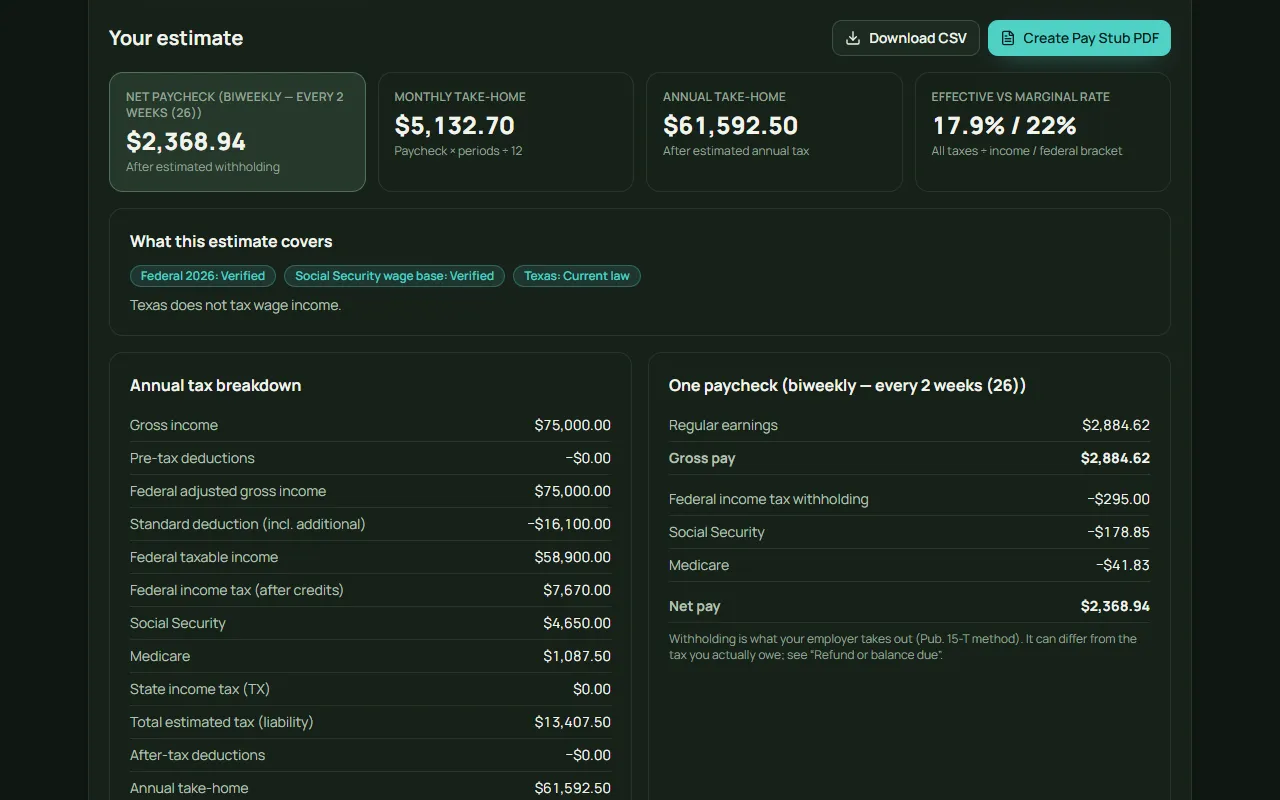
How Kitmeadow works
Choose a file
Drop it in or pick it. Files are opened by your browser — nothing is uploaded.
Process on your device
The work runs in a background thread on your computer or phone, so the page stays responsive.
Download the result
The download button appears only once the output is ready and checked. Your original is never changed.
Privacy you can check
We don’t ask you to trust a badge. Our file tools are built so documents never need to leave your browser, and you can confirm it yourself.
How we handle your data- No file uploads
- PDF, image, converter and editor tools run locally. No server endpoint receives your files.
- Passwords stay local
- PDF passwords are used in memory to decrypt or encrypt, then discarded.
- Honest results
- Real before-and-after sizes, validated outputs, and clear notes on what each tool cannot do.
- Minimal tracking
- Optional analytics never include file names, file contents, salaries or anything you type.
Useful guides
All guides →- How to Reduce PDF File Size: What Actually WorksWhy PDFs get large, which compression methods help for scans, photos and text documents, and how to avoid ruining quality.
- Hourly to Annual Salary: How to Convert Your PayThe 2,080-hour rule, how overtime and unpaid time off change the math, and how to compare an hourly job offer with a salaried one.
- JPEG vs PNG vs WebP: Which Image Format Should You Use?A plain-English comparison of the three most common web image formats: compression, transparency, quality, compatibility and when to use each.
Frequently asked questions
Are these tools really free?
Yes. Every tool works without an account or payment. The site may show clearly labelled ads to cover running costs; ads never block a tool or its downloads.
Do my files get uploaded?
No. PDF, converter, editor and image tools process files with code running in your browser. Your files are not sent to our servers, analytics or advertisers. You can verify this in your browser’s network inspector.
How accurate is the salary calculator?
Federal figures for 2025 and 2026 come from IRS and SSA publications, and state rules are checked against state revenue departments and labeled by status. It is still an estimate: credits, other income, local taxes and your W-4 choices affect your real paycheck.
Is there a file size limit?
Limits depend on the tool — for example 200 MB per PDF and 50 MB per image — because everything runs on your own device. Each tool states its limits before you start.